
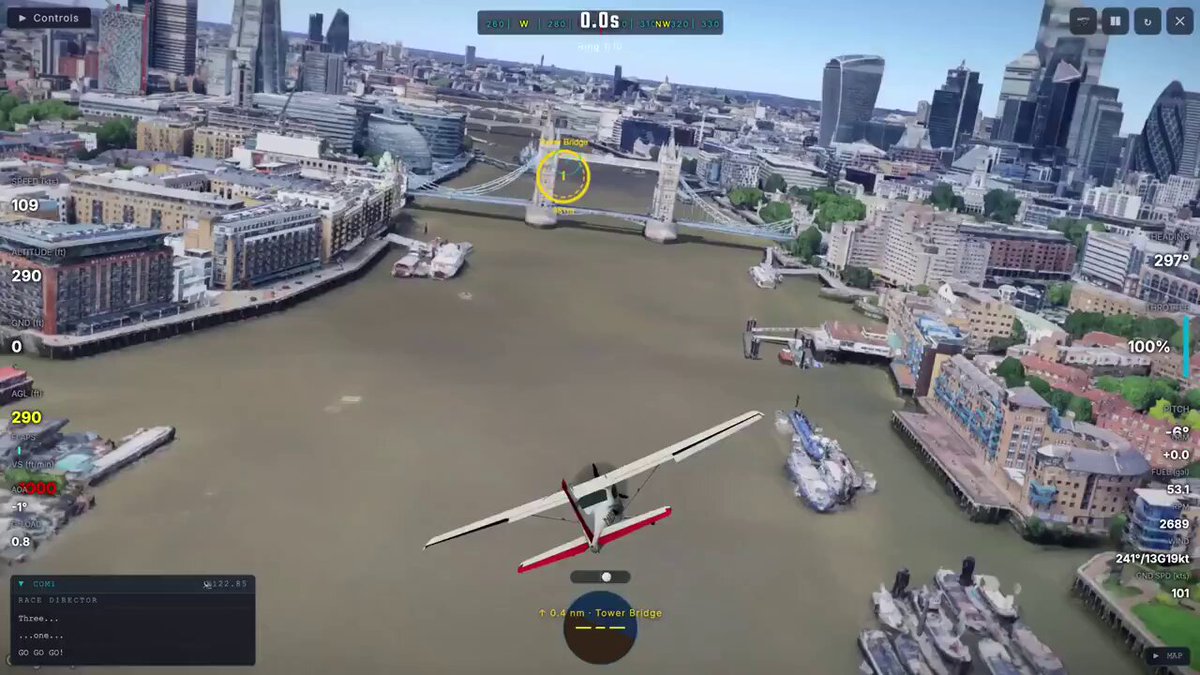
Browser-Based 3D Flight Simulator in Three.js
Curated 3D Web Creative Coding project by @Jomolos • 2026-08-11
3D Graphics & Rendering Pipeline
Optimized WebGL 2.0 graphics pipeline with realistic physical light calculations, HDR environment mapping, and anti-aliased geometry rendering.
Physics & Dynamic Simulation
Interactive real-time physics engine integration featuring collision detection, rigid body kinematics, and smooth motion damping.
Real-time Performance & Polish
60+ FPS browser execution with instanced rendering, memory-managed geometry buffers, and seamless responsive viewport scaling across desktop and mobile devices.
Aesthetic & Creation Overview
Can you build a real flight simulator that runs in the browser in just 2 weeks, even without being a game developer? I think the answer is yes
You open World Flight Sim. No download. Not even an account required. You type in an address, and you're flying over your house. You
Technical Tags & Categories
Developer Architecture & AI Prompt Engineering Guide
To study or reproduce this 3D web experience with modern AI coding assistants (Claude Code, Cursor, Codex):
# Recommended AI Prompt Template:
"Create an interactive Three.js 3D web experience based on 'Browser-Based 3D Flight Simulator in Three.js'. Implement an antialiased WebGLRenderer with tone mapping, an OrbitControls camera with smooth damping, dynamic lighting with soft shadow mapping, and responsive resize handling. Optimize with InstancedMesh and clean render loops."
- DevTools Shader & Draw Call Inspection: Press F12 on the demo page to inspect WebGL draw calls, shader programs, and buffer allocations.
- Creator Devlogs: Follow @Jomolos on X for ongoing 3D graphics updates, procedural workflows, and code snippets.
Related 3D Showcases
Explore more interactive Three.js experiments, WebGL shaders, and creative coding
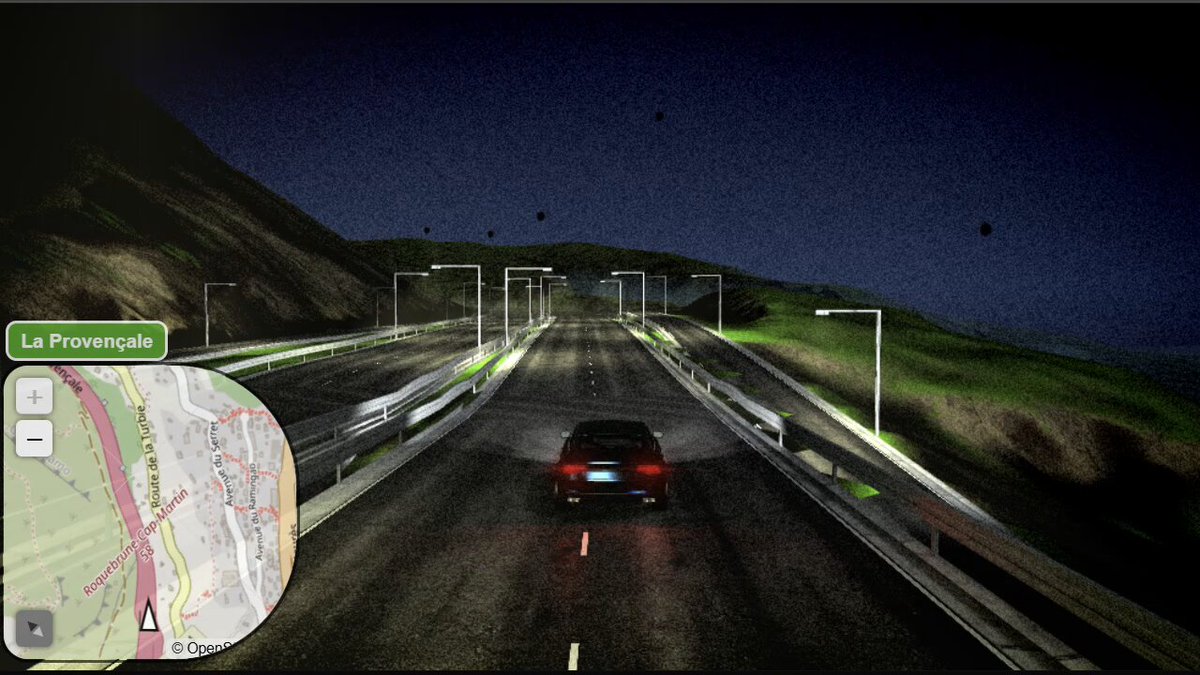
Hop.Earth: Browser-Native 3D Spatial Route Explorer
Goodbye clicking on Google Street View to check out the route! In your browser, with http://Hop.Earth you can actually drive anywhere in the world You can also create multiplayer races The world is generated ahead of you in real-time from OpenStreetMap data

Original 3D Browser Game Developed in Under 24
Original 3D browser game developed in under 24 hours using multimodal LLMs and procedural Three.js code, proving the viability of end-to-end prompt-to-game development paradigms.
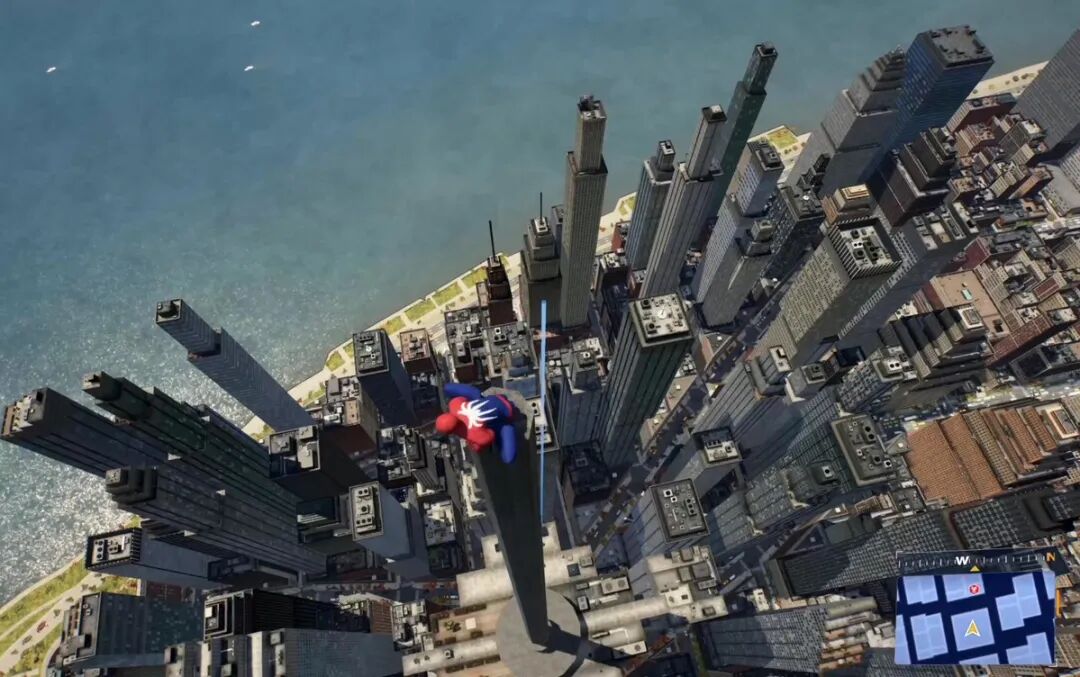
Xikhar Presents the Third Major Evolution of a in 3D
xikhar presents the third major evolution of a third-person 3D action-adventure web game prototyped through an LLM-assisted pipeline integrating Blender, image-gen assets, and Three.js. This milestone boasts polished locomotion blend trees, spring-damper camera tracking, and layered environmental spatial depth, highlighting an industrial-grade iteration speed on modern Web3D architectures.
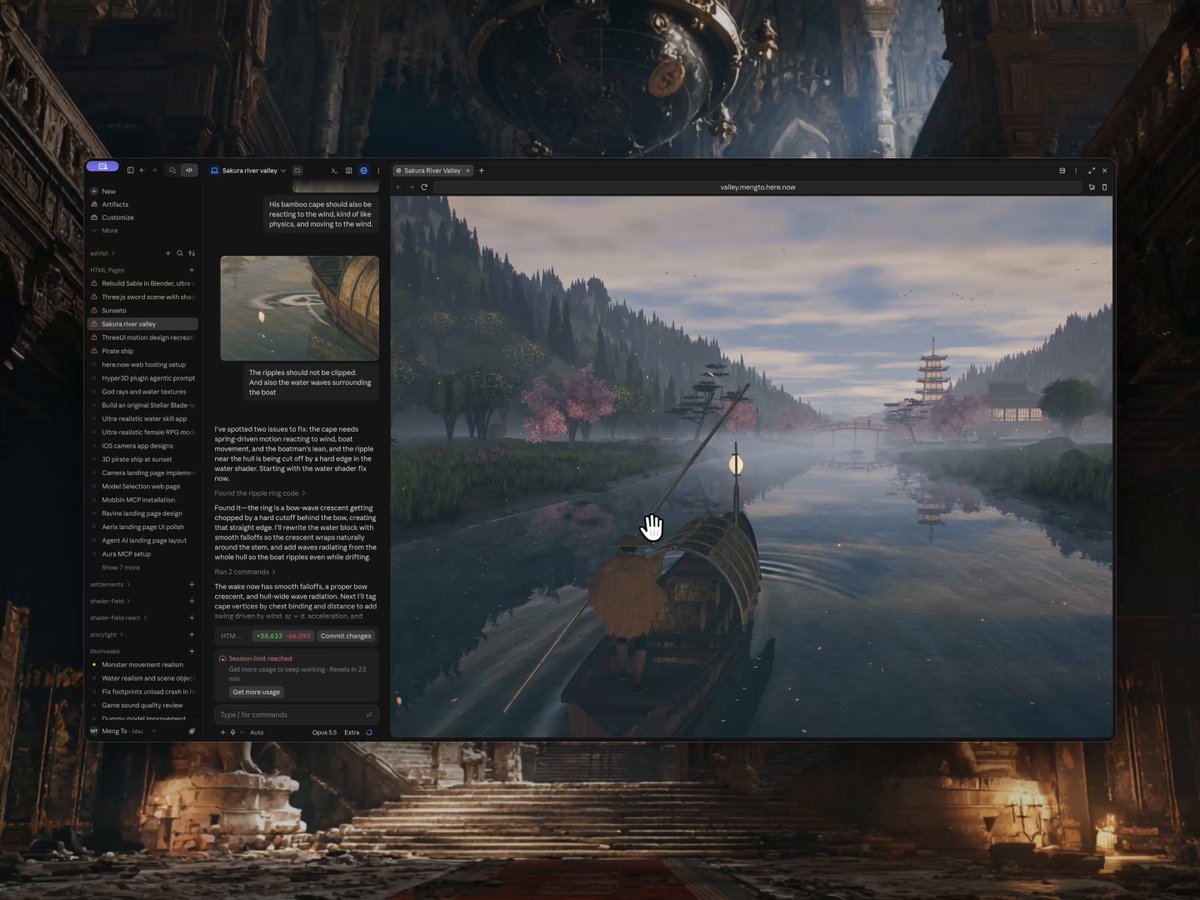
Japanese River Landscape 3D Boat Scene in Three.js
Opus 5.5 is next level. I’m genuinely impressed by the three.js details. I generated a playable boat scene through Japanese landscapes with dynamic weather, day and night lighting, realistic textures and 3D characters. Live site: https://valley.mengto.here.now The water reflections,